
Permissions
Setting Permissions
The "Permissions" page can be found under Jira Admin Settings >> Marketplace Apps >> TicketBook >> Permissions
Using the Permissions page, you can set:
Users who can view contracts and contract reports:
This is the global permission for accessing TicketBook.
Visibility can also be restricted per contract using the Permissions tab on the Contract Definitions page.Users who can create new contracts:
Defines who is allowed to create and configure new contracts in TicketBook.
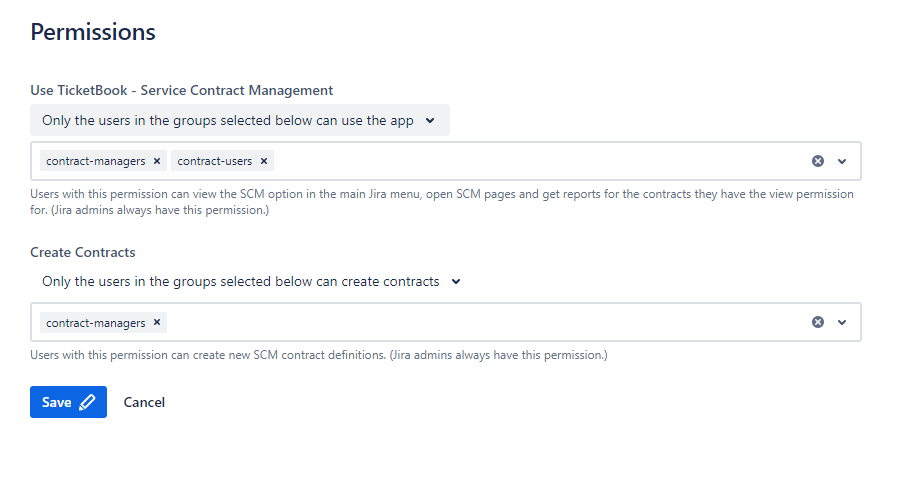

Jira Administrators always have both view and create permissions on all contracts, even when access is restricted in the contract definition. This ensures that administrators can recover access if a configuration mistake locks a user out of a contract.