
Deleting a Baseline
-
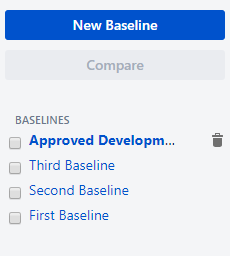
To delete a baseline, click on the trash can icon next to the baseline name in the list.
-
You need Delete Baselines permission to delete baselines. If you can't see the garbage bin icon, contact your Jira Administrator to get permission.
-
-
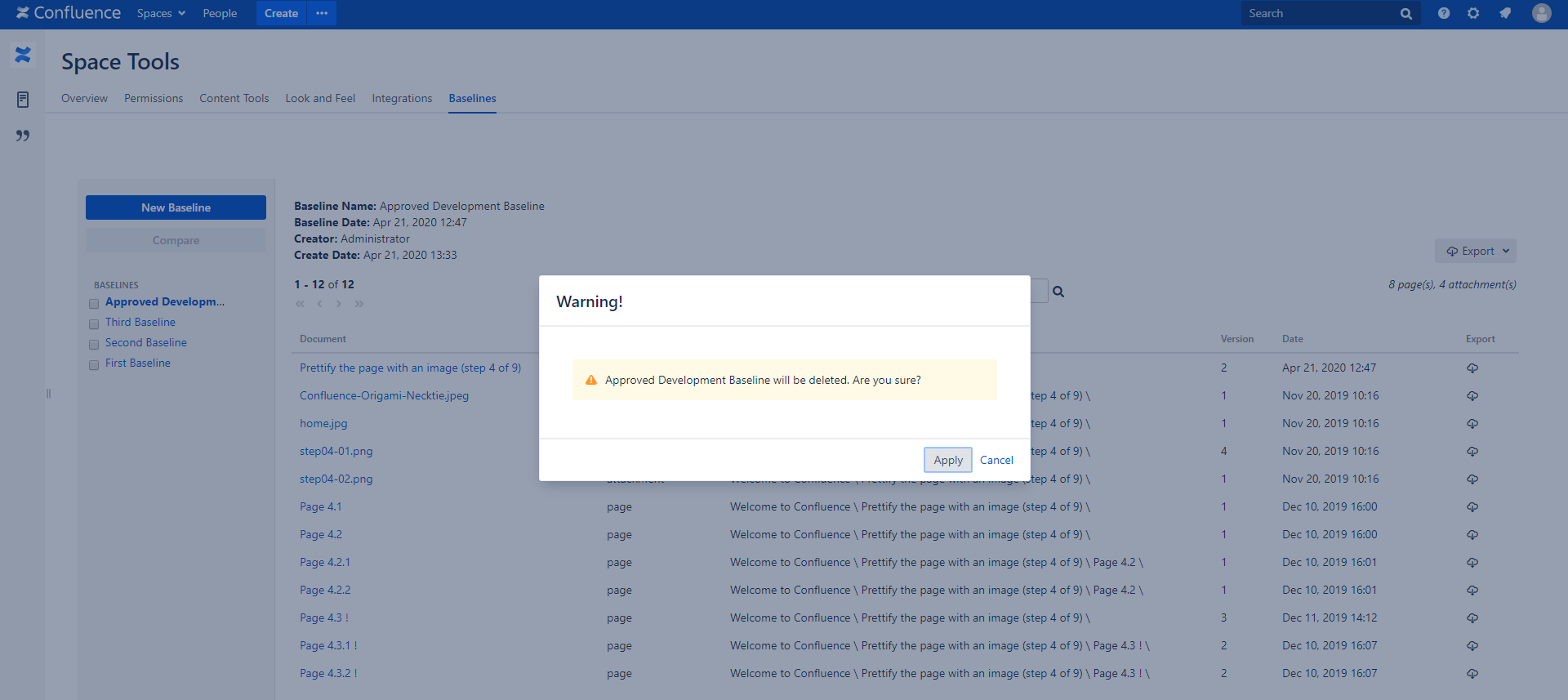
System will prompt you to confirm that you want to delete the baseline.
-
Click "Apply" if you are sure that you want to delete the baseline.
-
The baseline will then be permanently deleted and removed from the list.This action cannot be undone.
-
Since the baseline contains only links to page versions, not actual pages themselves, deleting a baseline does not delete pages. Your pages will remain in the space.