Case
Sometimes picking an issue from a static JQL is not enough. You have to make a second selection based on the first one.
A simple example can be the product/module relation. Let's say you have products and each product has its modules.
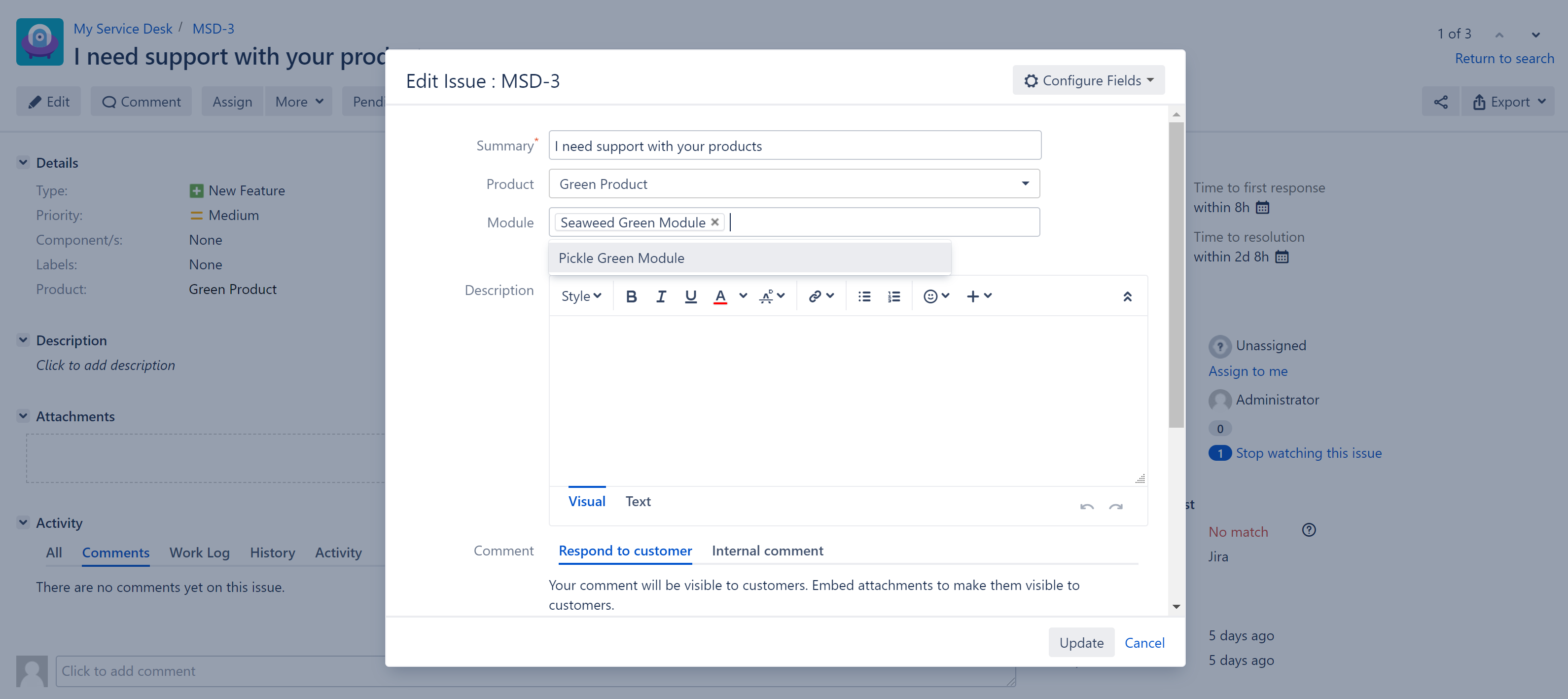
Also let's say on your service desk tickets, first you want your customer to select a product while creating the issue and then you want to select modules of your product in the edit screen.
Configuration
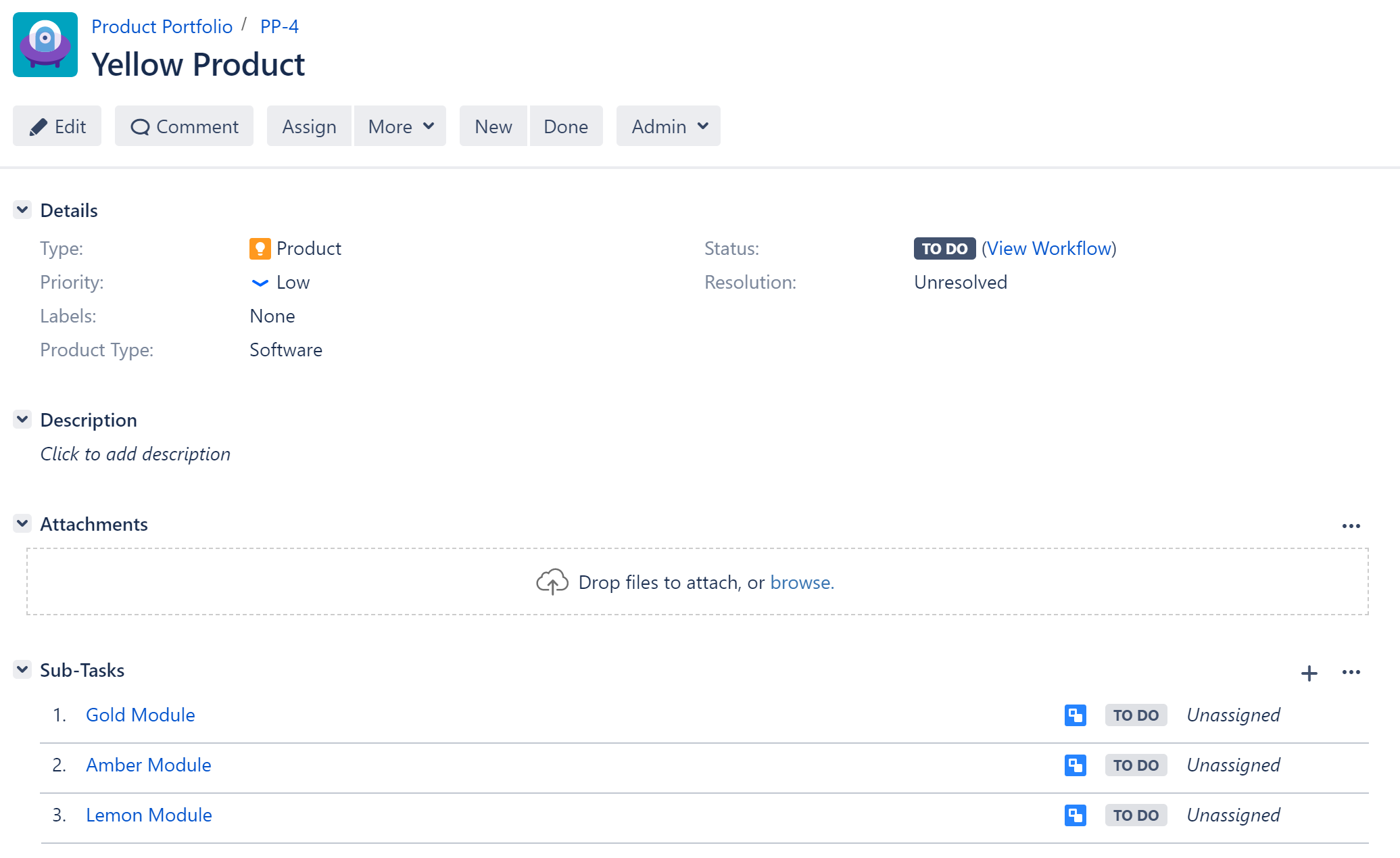
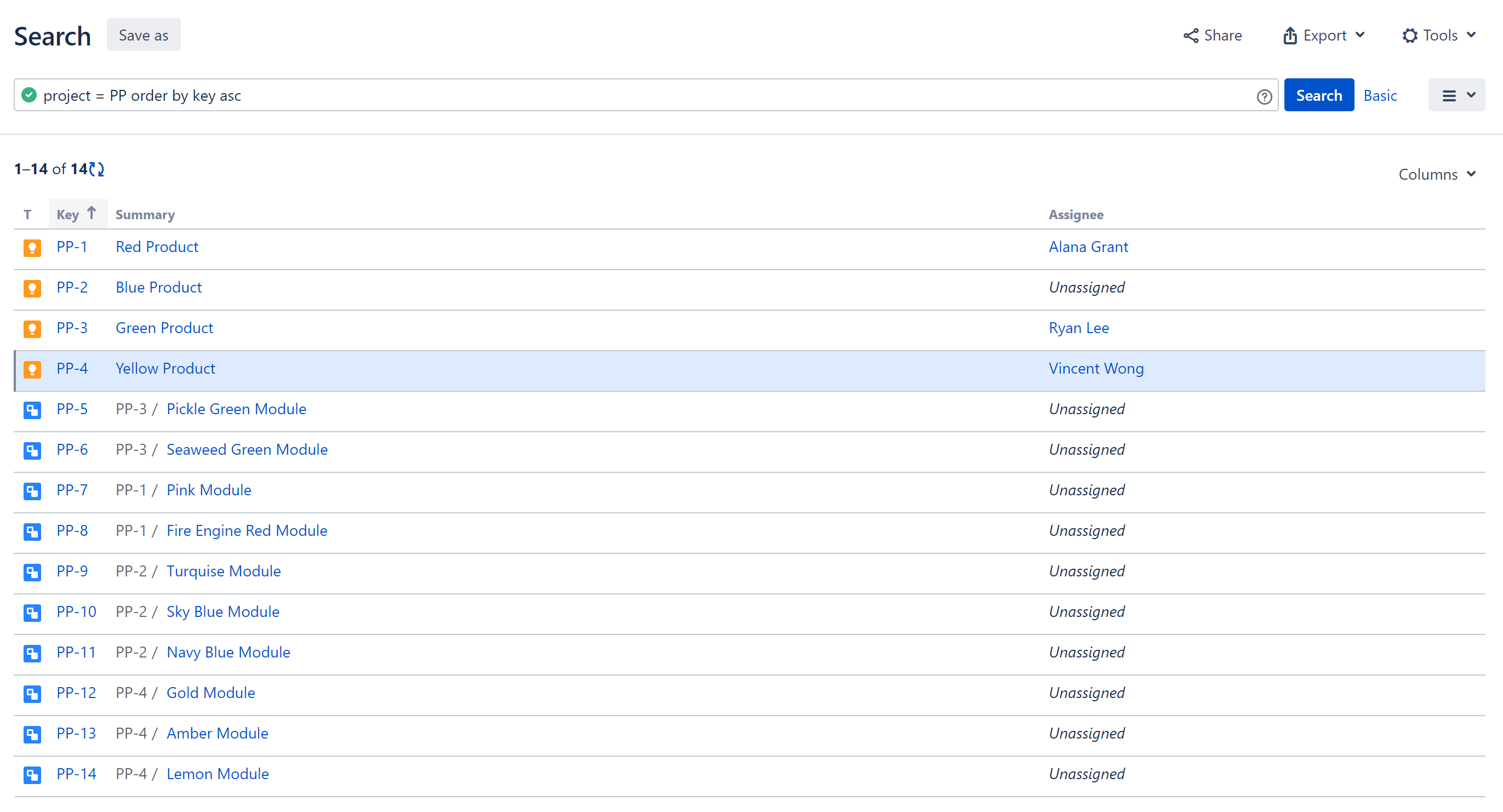
To bring this solution to life first of all you will need to create a Jira project to keep your products as issues. In this project you will manage your Products as parent issues and each product's Modules as subtasks of that issue.
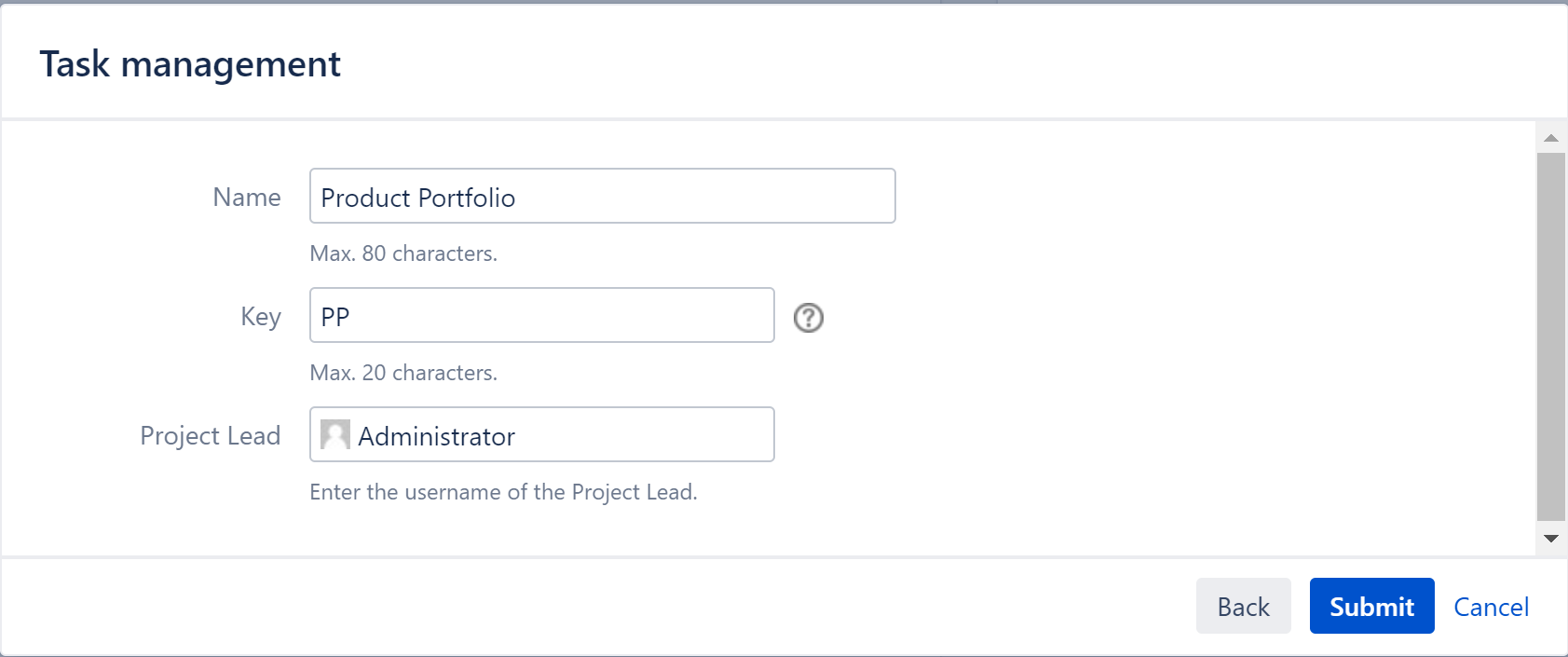
For this, create a new Jira project named Product Portfolio with project key PP.
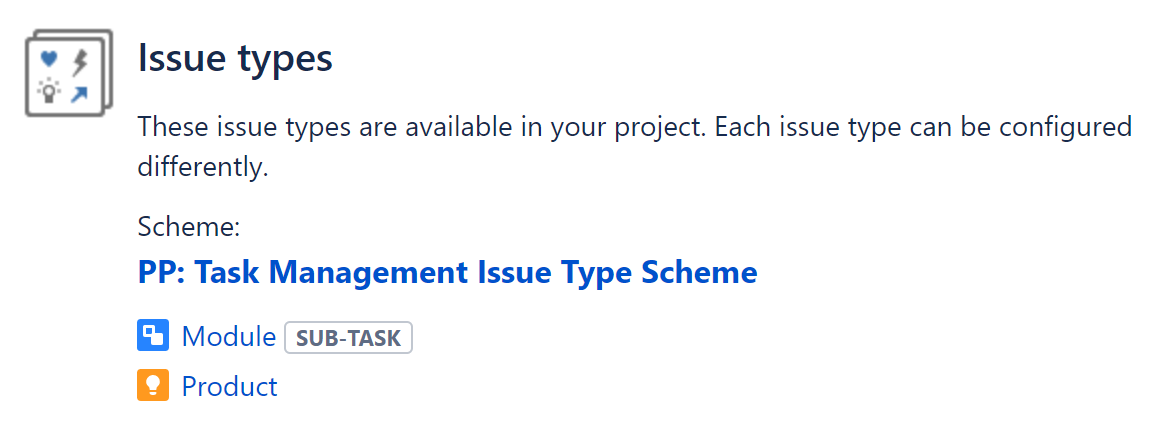
Configure this project's Issue Type Scheme to contain two issue types named Product and Module.
At this stage, you can create issues for products and modules in your PP project. As many as you need.
Product Field
Then create a JQL Advanced Select custom field named Product. This field will be used to link your Jira issues to your products. (see JQL Advanced Select Field )
Configure your Product field like this:
|
JQL |
project = PP and issuetype = Product |
|
View Pattern |
{issue.summary} |
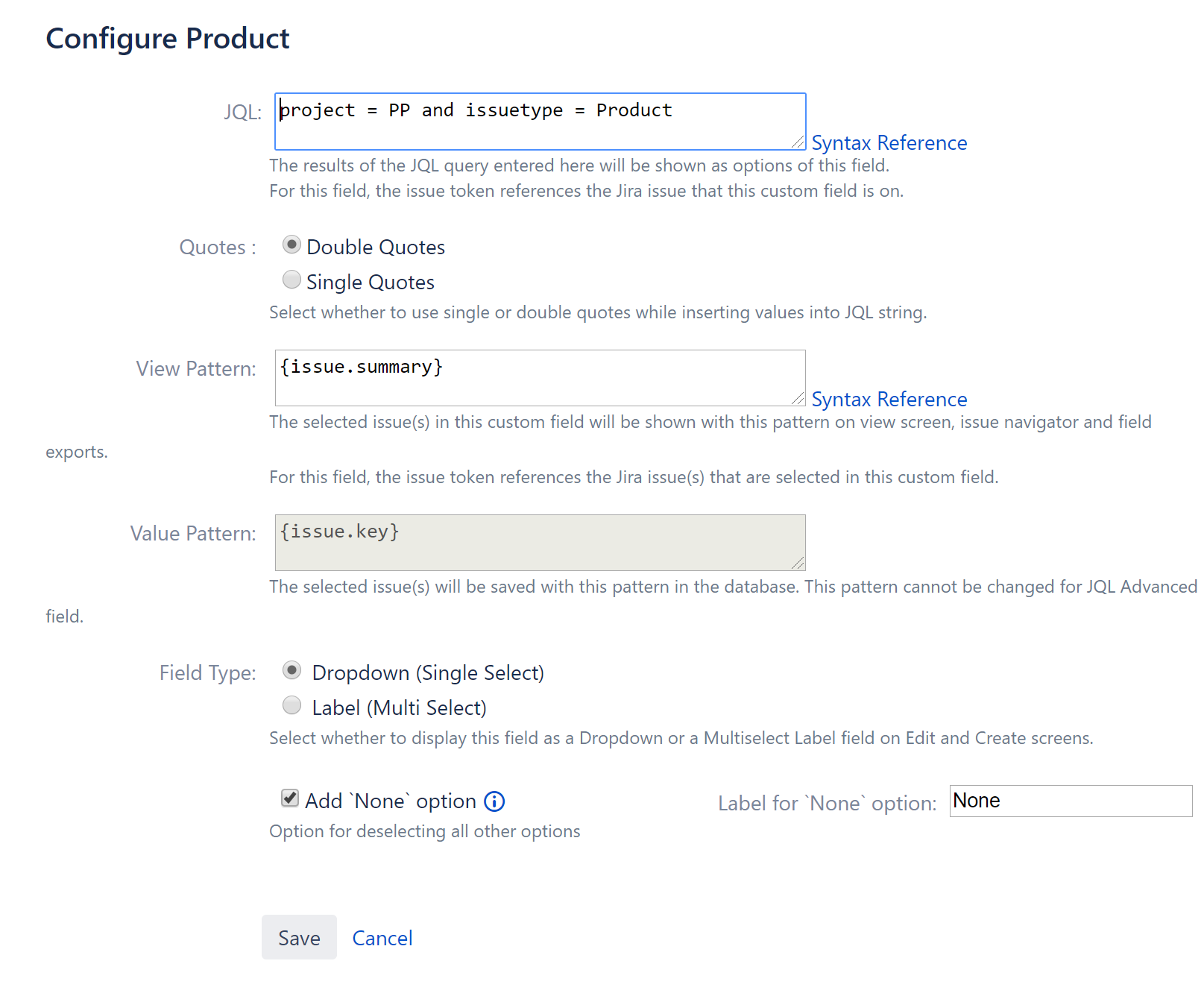
Please note that the ID of the Product field created above is 10538. It will be used below.
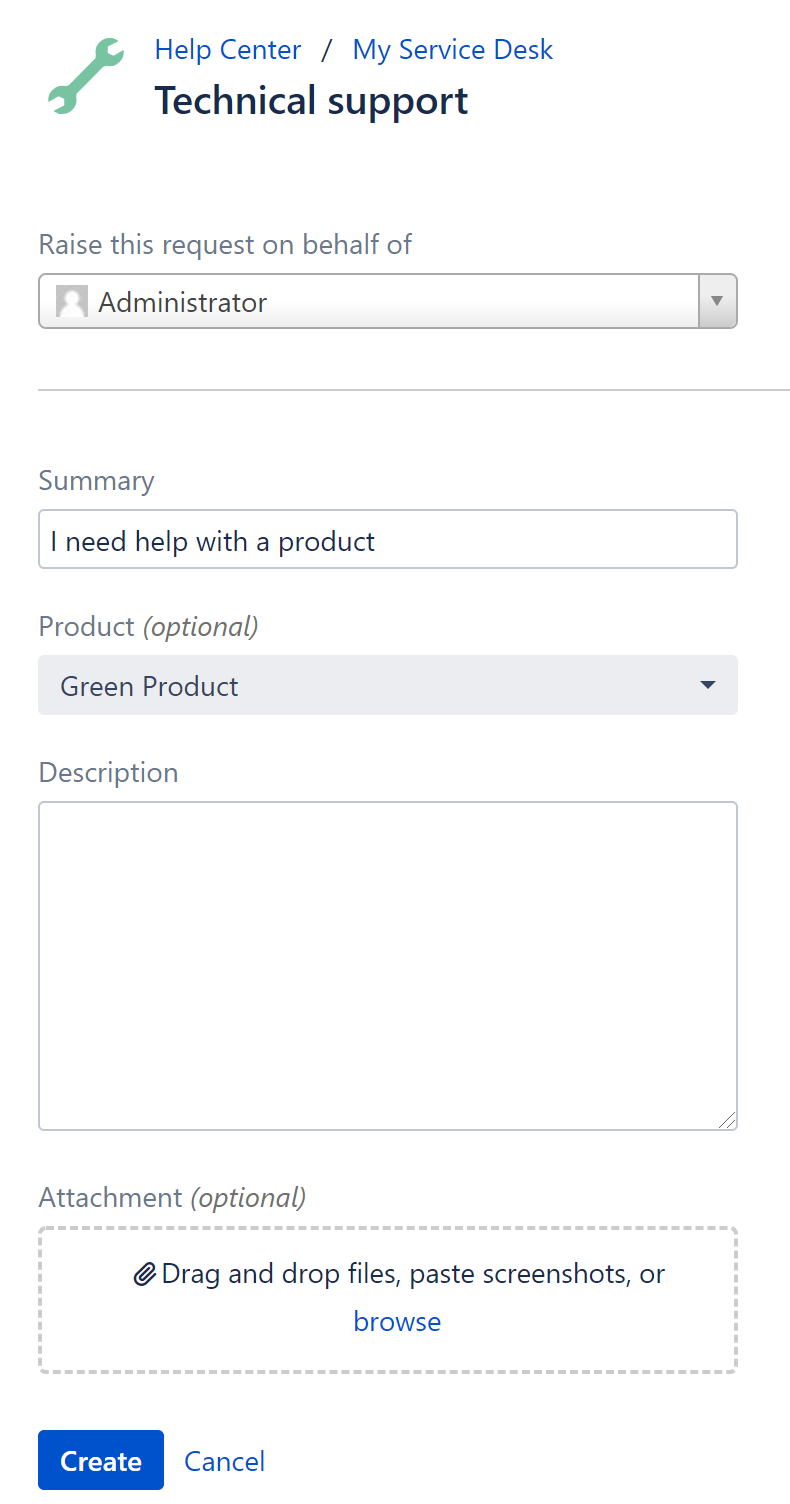
Add this field to your service desk ticket's create screen and your customer portal request type.
Module Field
Then create another JQL Advanced Select custom field named Module. This field will be used to select product modules on your Jira issues.
Configure your Module field like this:
|
JQL |
project = PP and issuetype = Module and parent in ({issue.cf_10538}) |
|
View Pattern |
{issue.summary} |
|
Field Type |
Label |
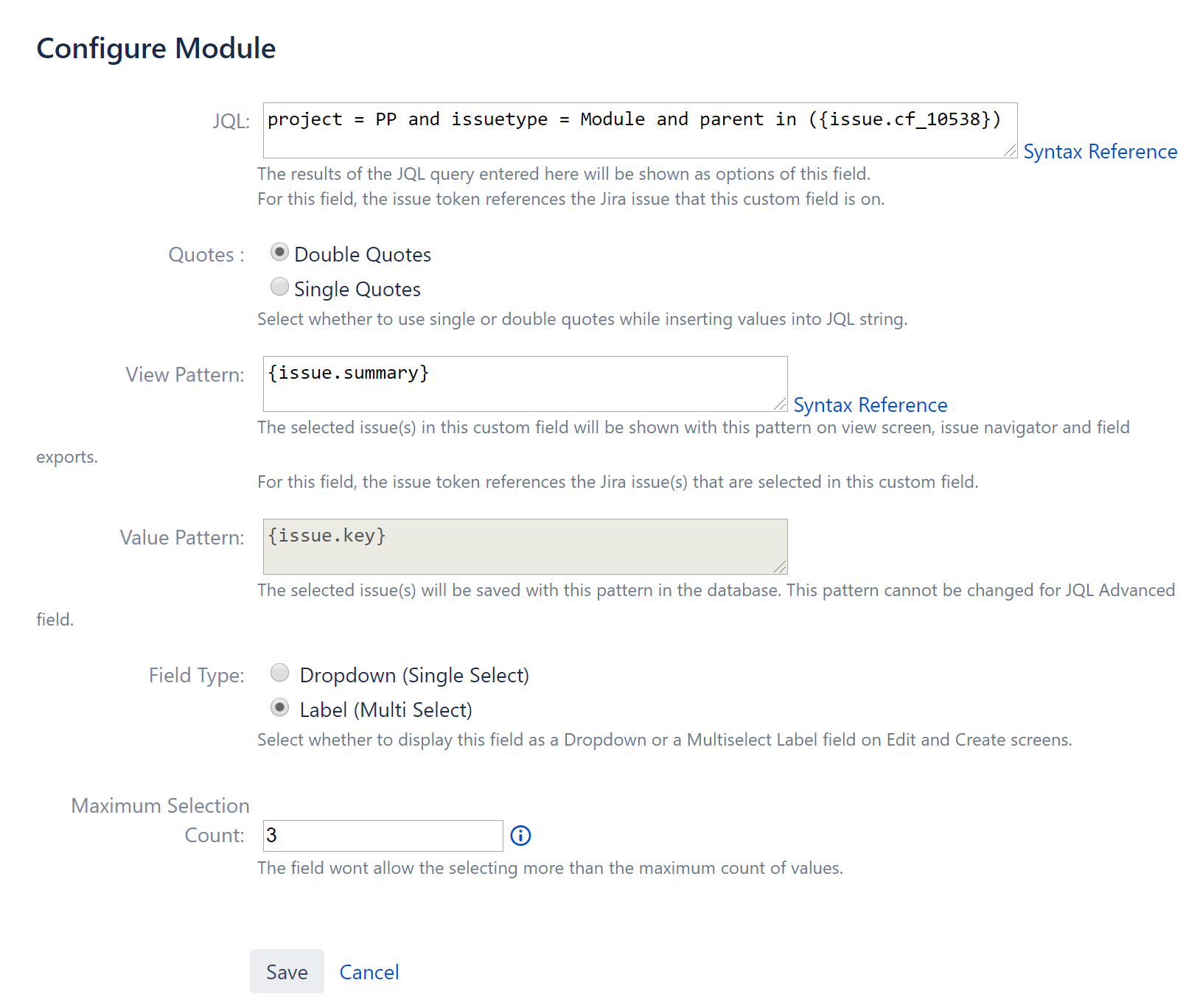
Here, we are setting the FieldType as Label since it allows the selection of multiple items.
Please also note that in this configuration we have the JQL Setting referencing another JQL Advanced Field's selection. The issue token in JQL Setting references the issue that the Module custom field is on. The issue token in the View Pattern setting references the issue(s) that JQL returns. (see Tokens Reference)
Add this field to your service desk ticket's edit screen.
Result
Now your users can select a product while creating a ticket, both from Jira UI and Customer Portal UI.
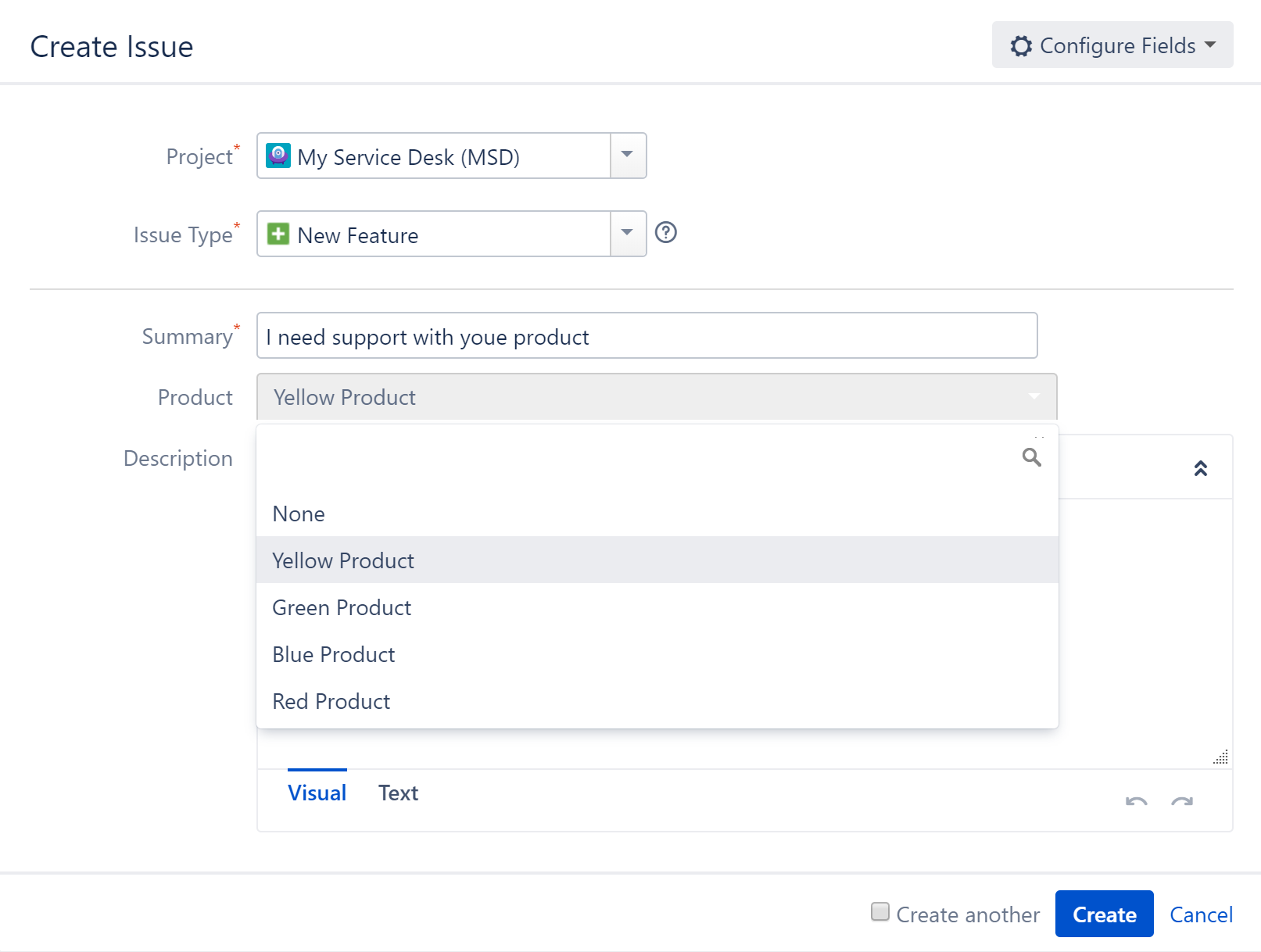
... and modules can be selected using the edit screen of the issue.