
Accessing Timepiece
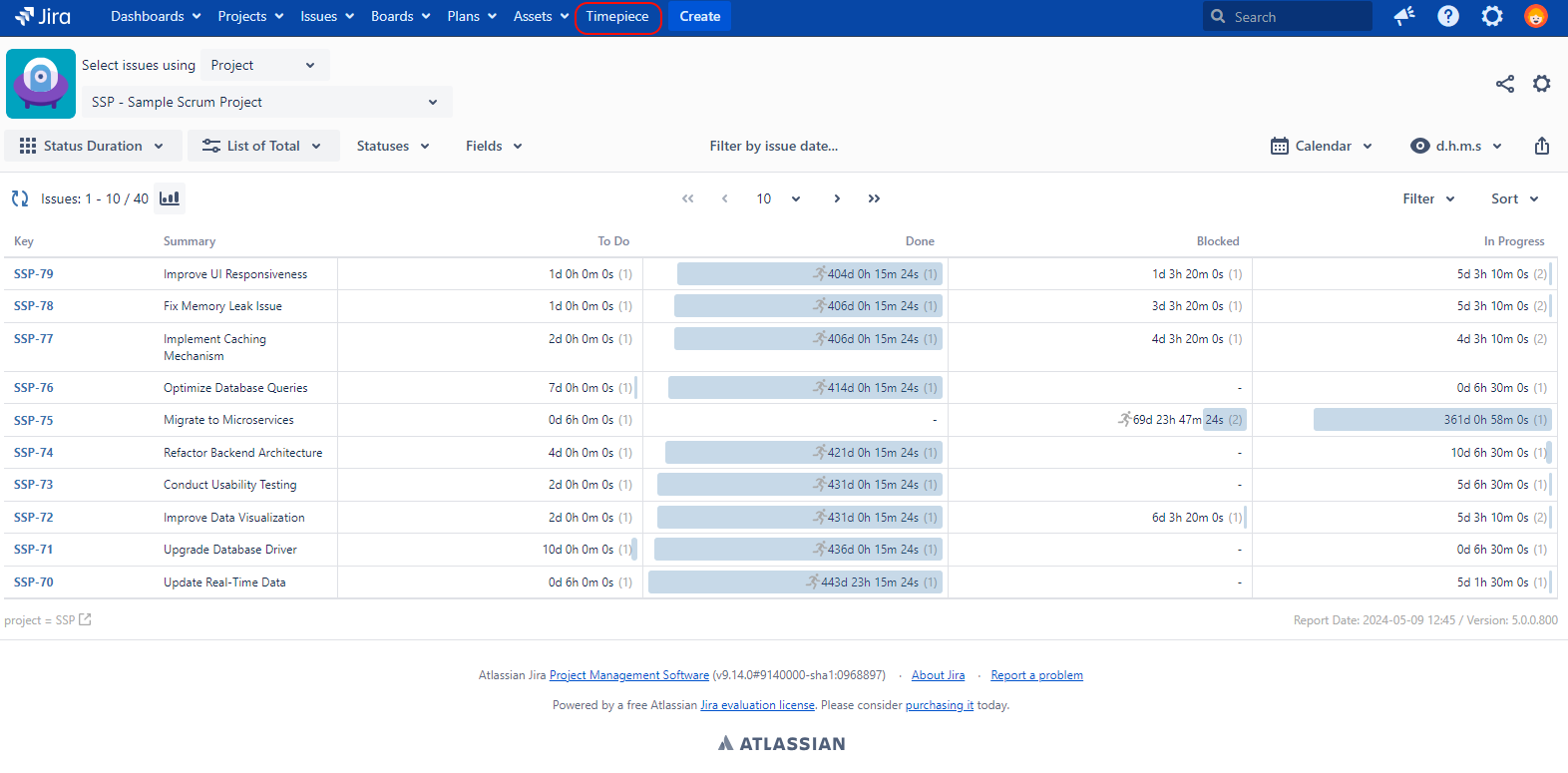
When installed, a new menu with the name Timepiece is added to Jira.
To access Time in Status reports just click the Timepiece menu item which will take you to Timepiece report screen.
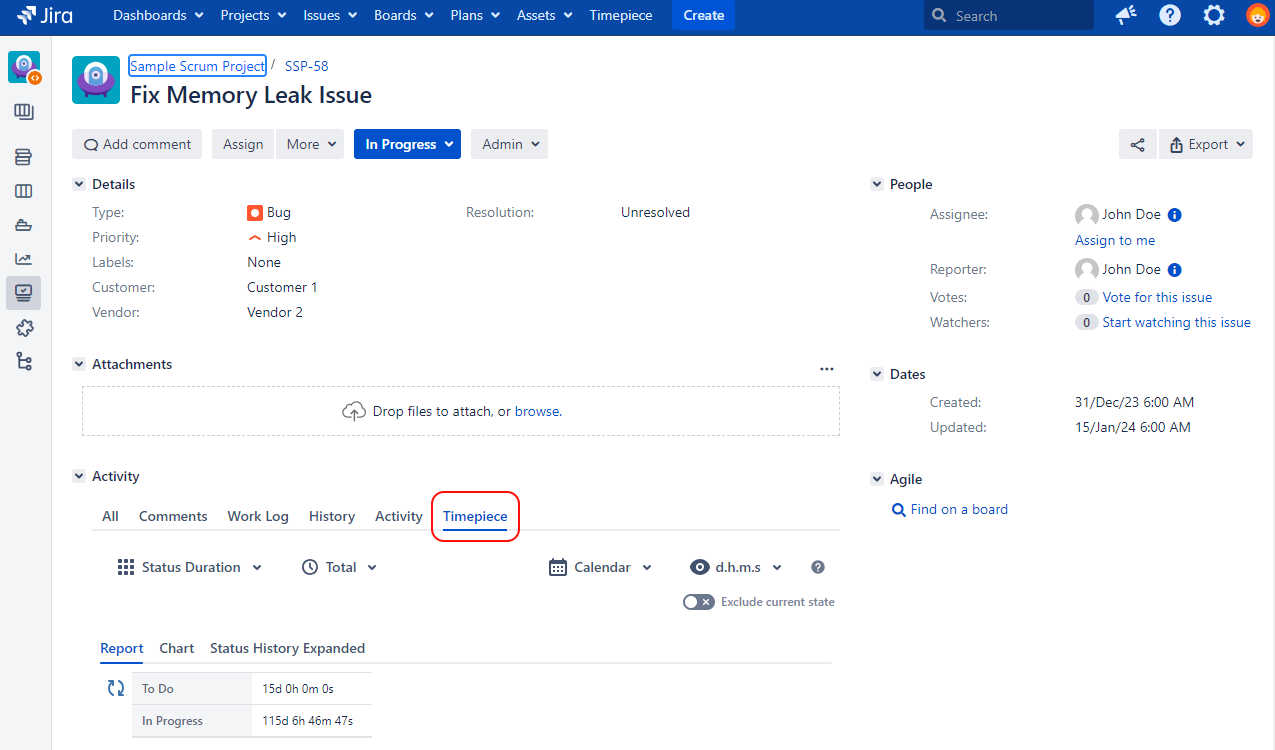
To access Timepiece data for a single issue, you can open the view screen of any Jira issue and you will see the Timepiece tab.
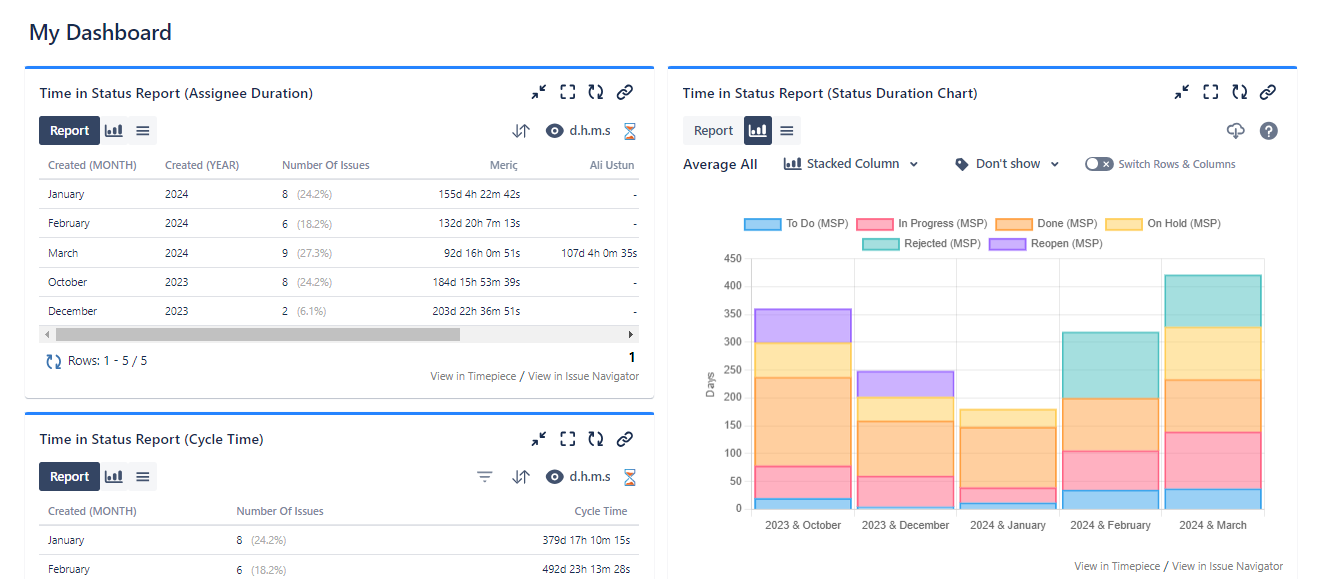
You can also see Timepiece reports as a Gadget on your Jira dashboards.
Timepiece also has a REST API that you can use to get Timepiece report data programmatically.