
-
Navigate to Atlassian Marketplace.
-
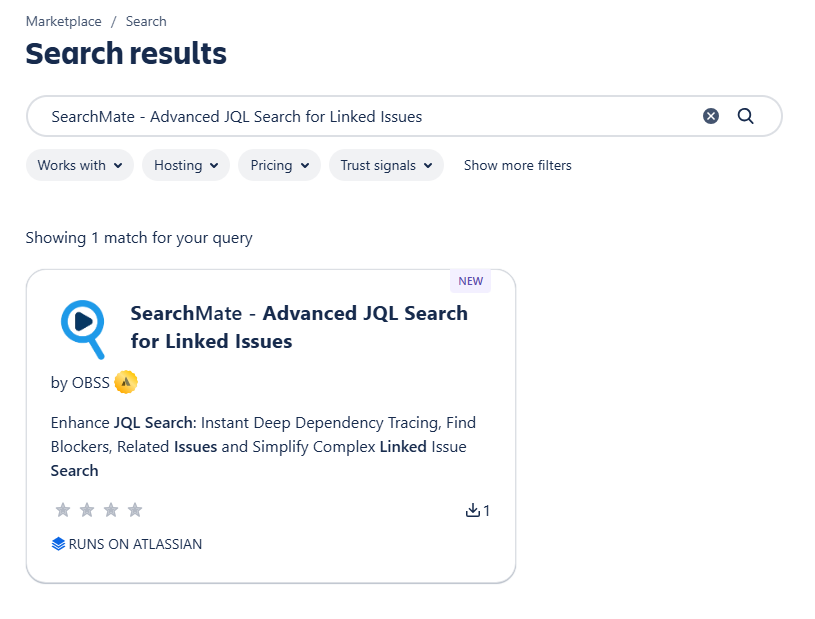
Enter SearchMate – Advanced JQL Search for Linked Issues in the search box. Search results will appear.
-
Click on SearchMate – Advanced JQL Search for Linked Issues
-
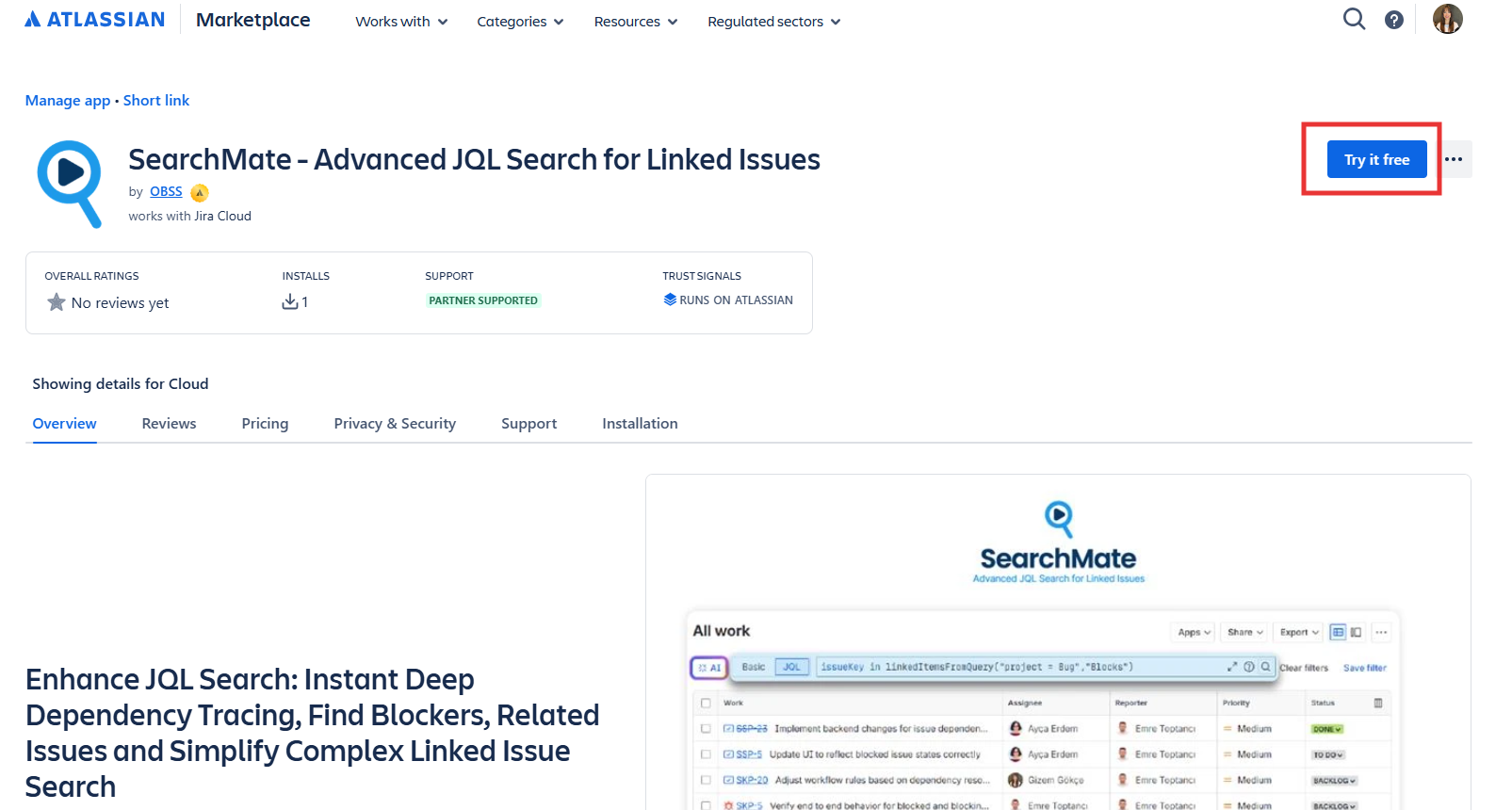
The app’s Marketplace listing will open.
-
Click on Try it free.
-
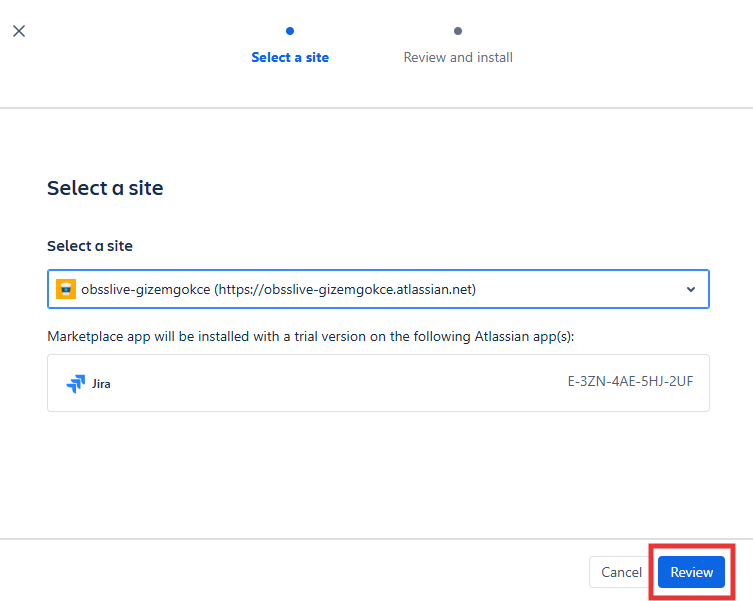
Site selection window will pop. Select the Jira site you want to install the app on and click Review.
-
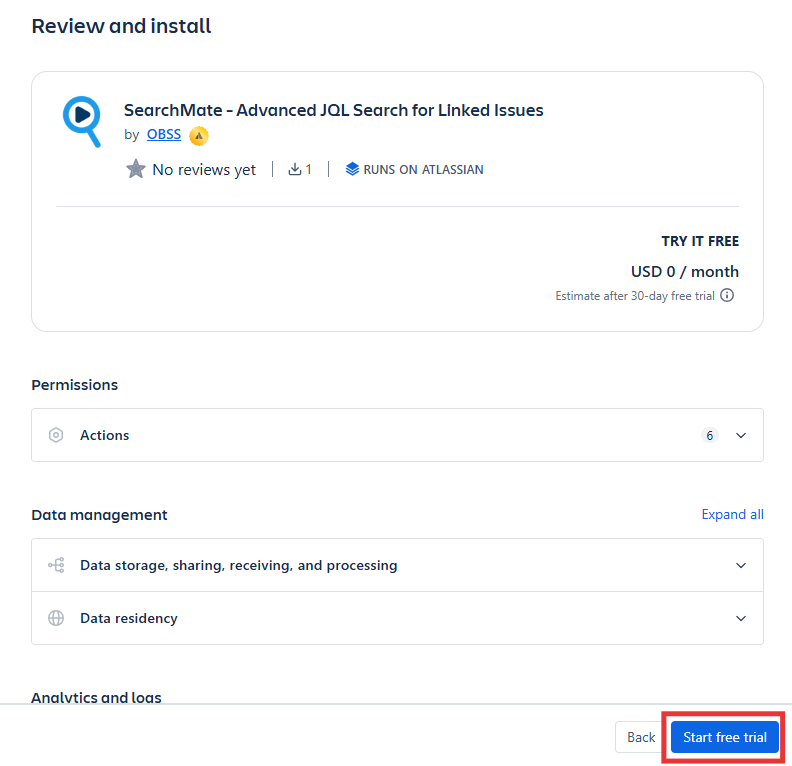
Review the page and click Start Free Trial
-
Atlassian will install the app on your Jira and give you a 30-day evaluation license.
-
You are done 🙂