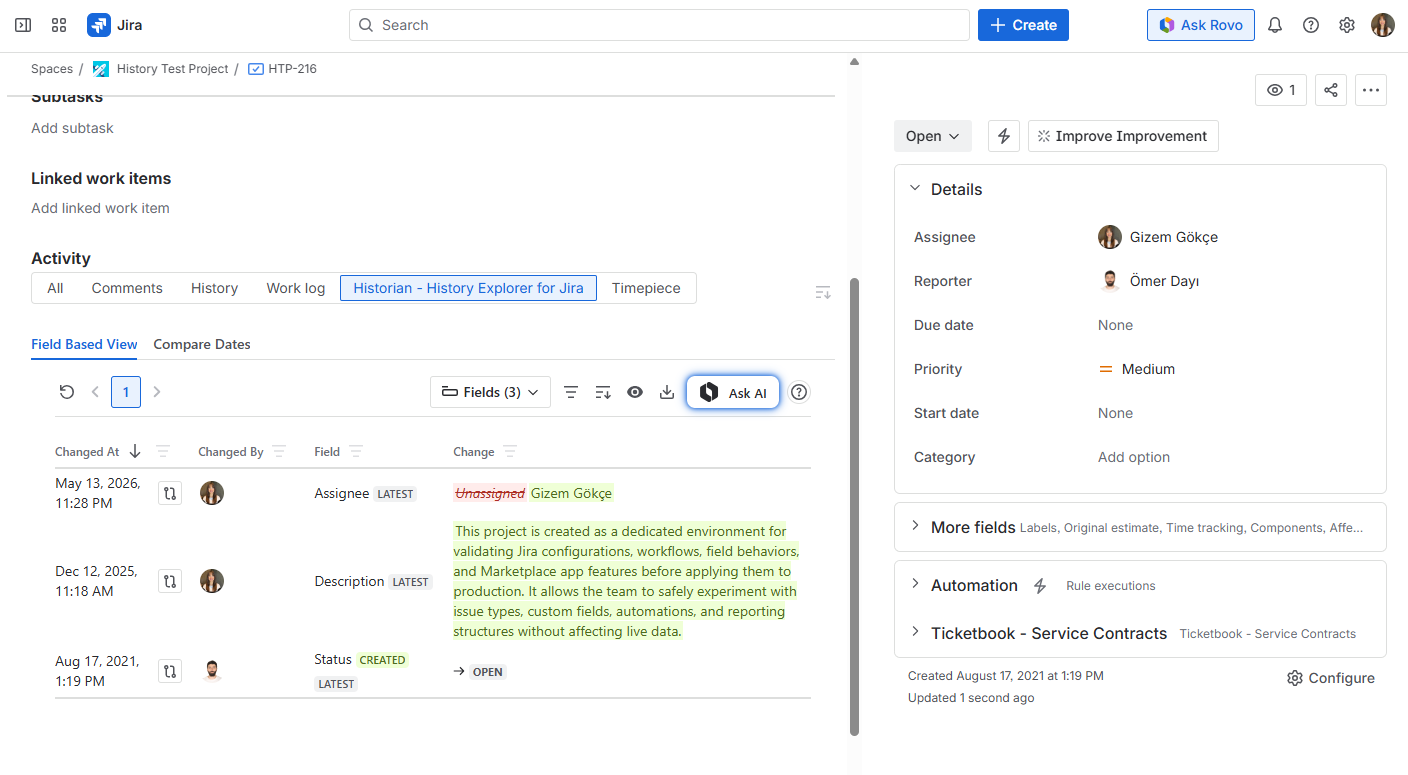
When installed, Historian - History Explorer for Jira adds a new menu item under the Jira Apps menu, and a new tab to the Issue View screen.
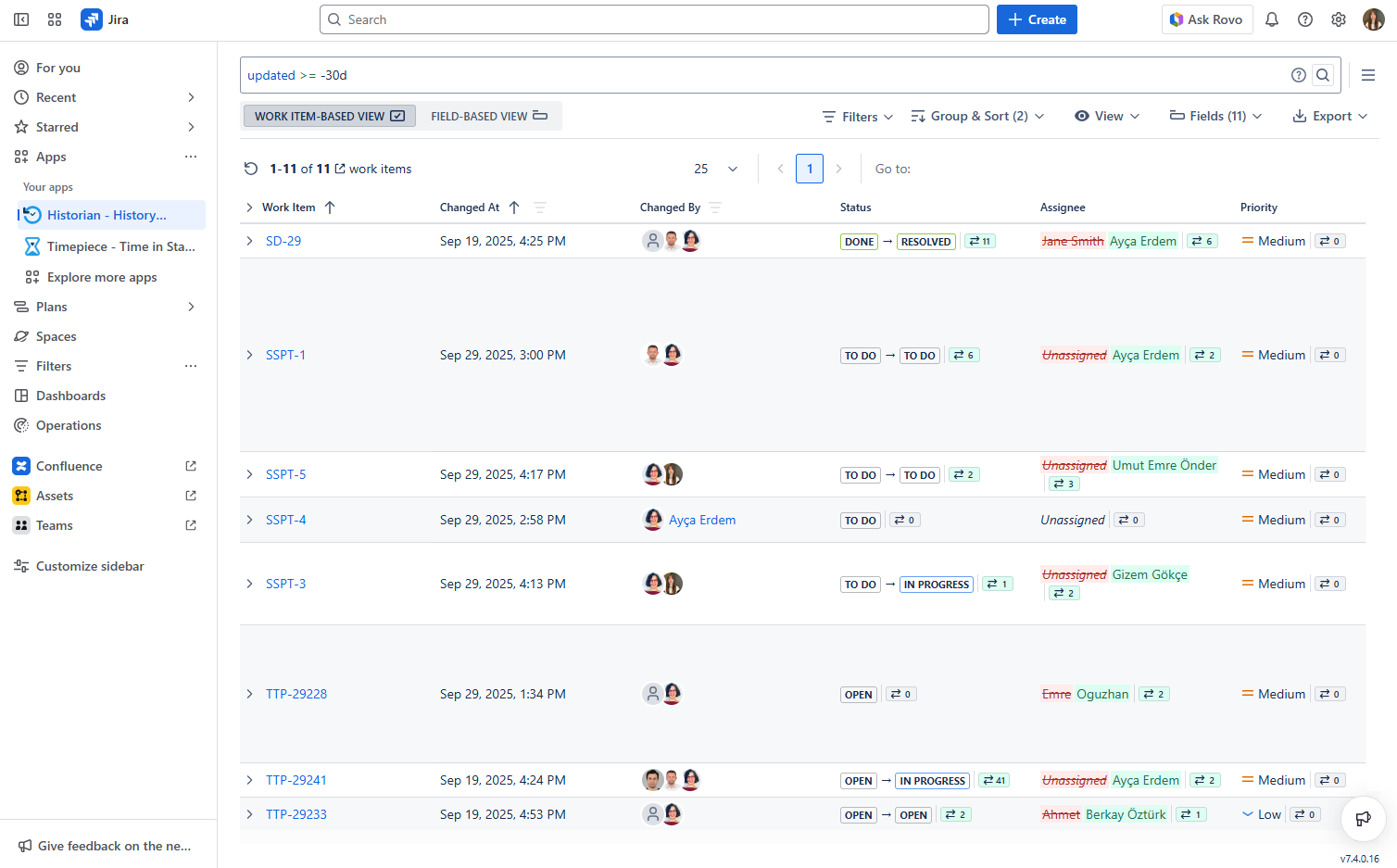
From the Apps Menu
To access the Work Item History Report, Historic Query, or Compare Dates, click the Historian - History Explorer for Jira entry in the Apps menu. This will take you to the main Historian screen where you can start exploring change histories across multiple issues.
From the Issue View Screen
To access the history of a single issue directly, open any Jira work-item and navigate to the Activity section. You will see the Historian - History Explorer for Jira tab, which shows the field-based change history for that specific issue. You can also access the Compare Dates feature from within this tab to compare the issue at two different points in time.