
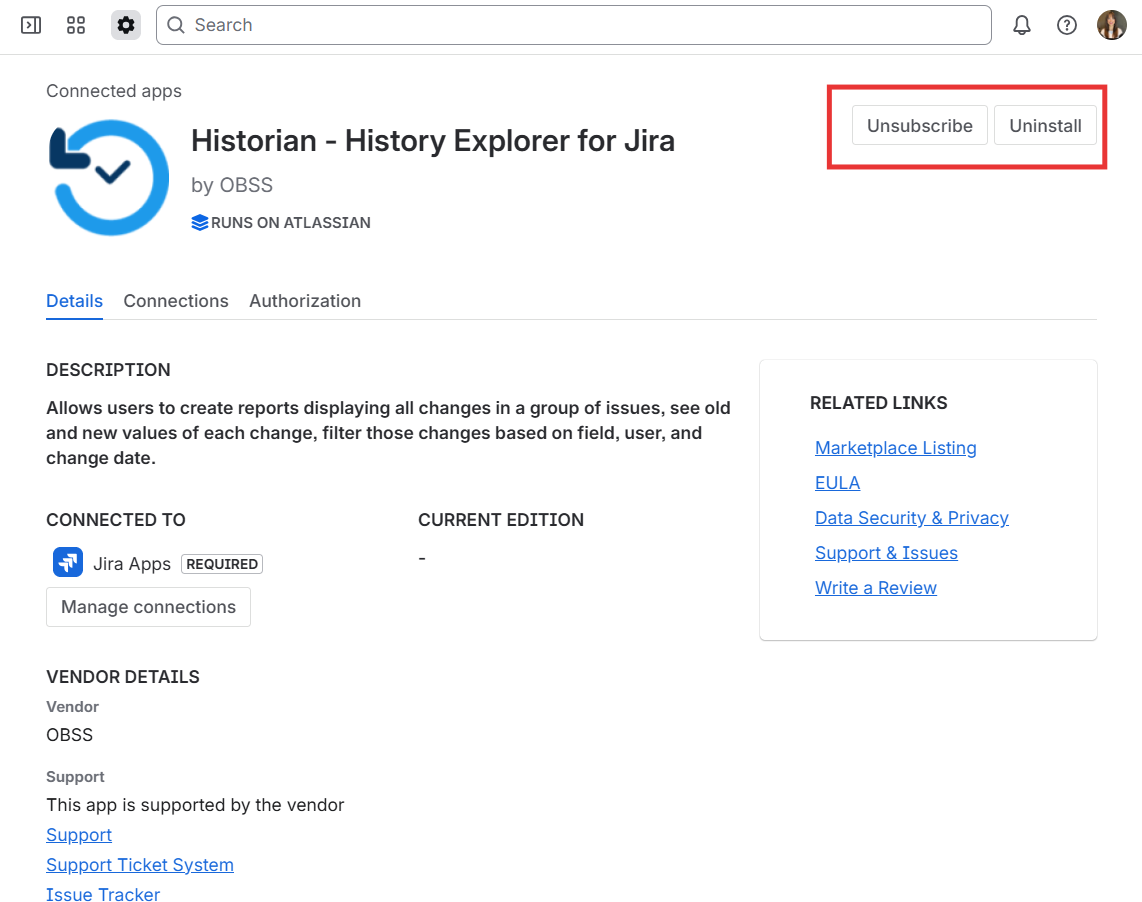
You can uninstall Historian from the Atlassian admin page.
Steps
-
Select your Jira site
-
Navigate to Apps → Connected apps
-
Find Historian - History Explorer for Jira
-
Click View app details
-
Click Uninstall and confirm
What is the difference between Uninstall and Unsubscribe?
On the Connected apps screen, these actions serve different purposes:
Uninstall
Removes the app from your Jira site immediately.
Users can no longer access the app.
Unsubscribe
Cancels the Marketplace subscription.
The app may remain installed and usable until the current billing period ends.
Which one should I choose?
-
To stop using the app immediately, uninstall it
-
To stop future billing, unsubscribe
-
To fully stop both usage and billing, you should do both
Why can’t I uninstall the app?
Only Site/Jira/Billing admins can uninstall apps.
If you don’t see the uninstall option, please get in touch with your site administrator.