
Accessing Timepiece - Time in Status for Jira
When installed, Timepiece - Time in Status for Jira app adds a new menu to Jira and a new tab to Issue View screen.
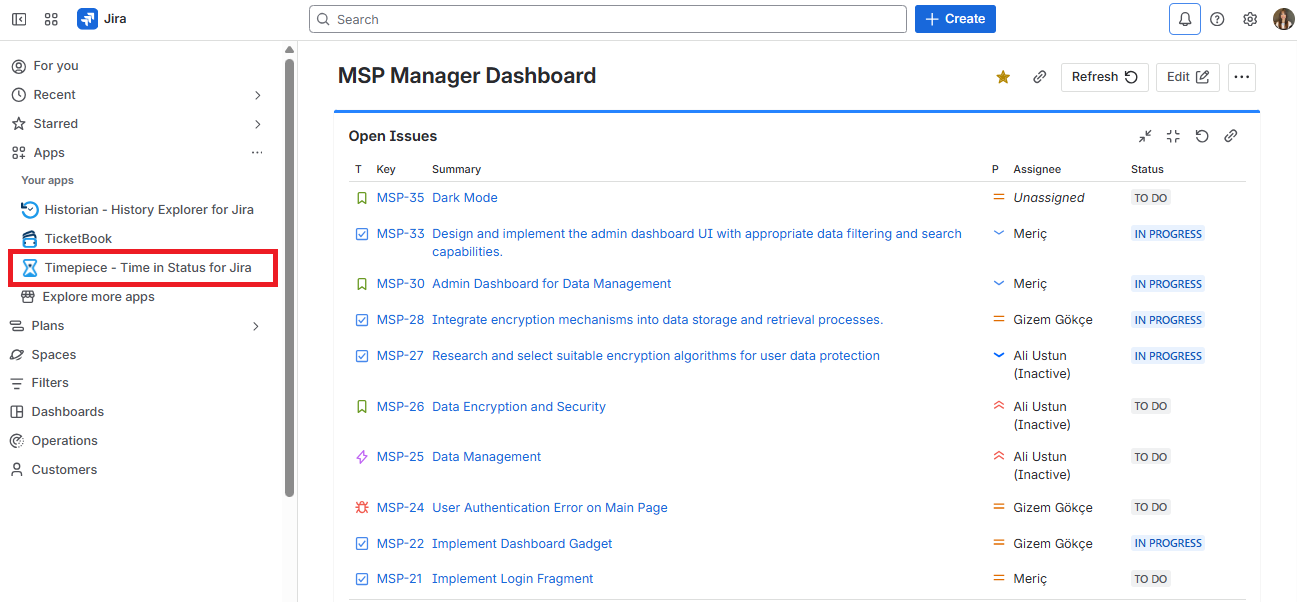
To access Timepiece reports for a group of issues, just click the Timepiece - Time in Status for Jira link in the Apps menu which will take you to Timepiece report screen.
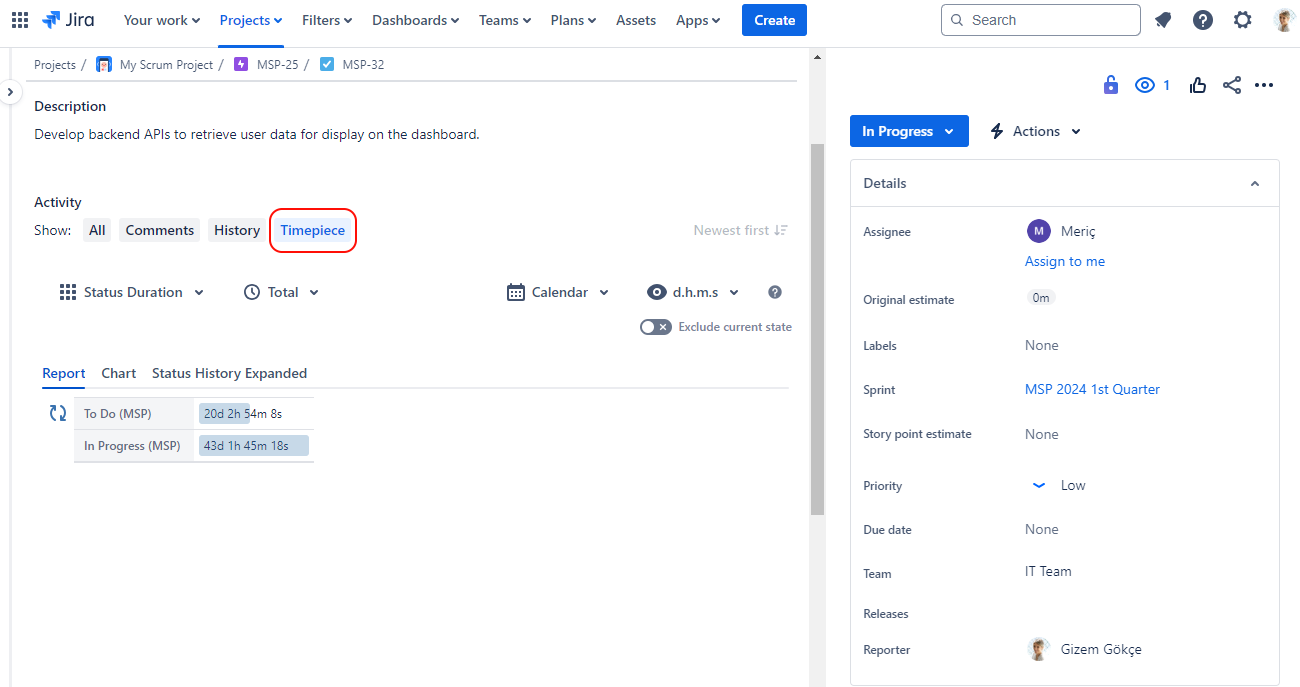
To access Timepiece data for a single issue, you can open the view screen of any Jira issue and you will see the Timepiece tab.
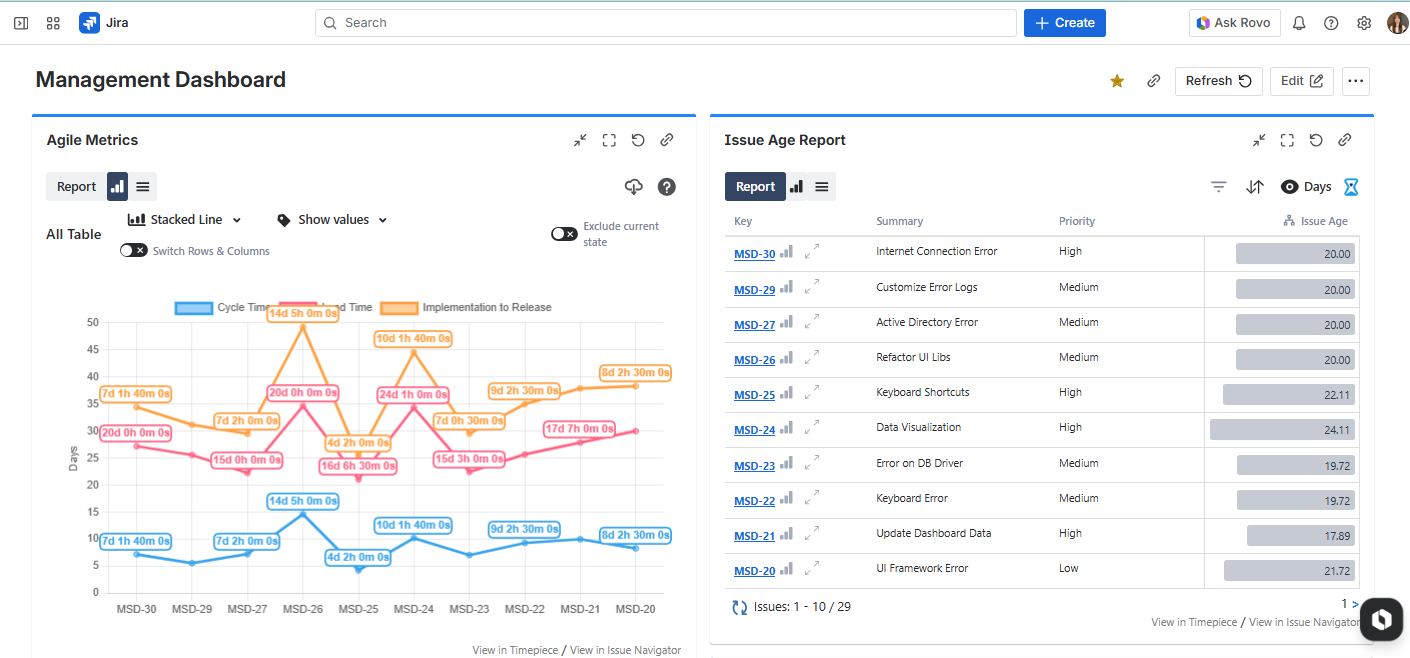
You can also see Timepiece reports as a Gadget on your Jira dashboards.
Timepiece also has a REST API that you can use to get Timepiece report data programmatically.