Drill Down Report
While working with Aggregate Reports (Average, Sum, Median, Standard Deviation), you can use the drill-down function on each report row to see the issues that made up that aggregate row.
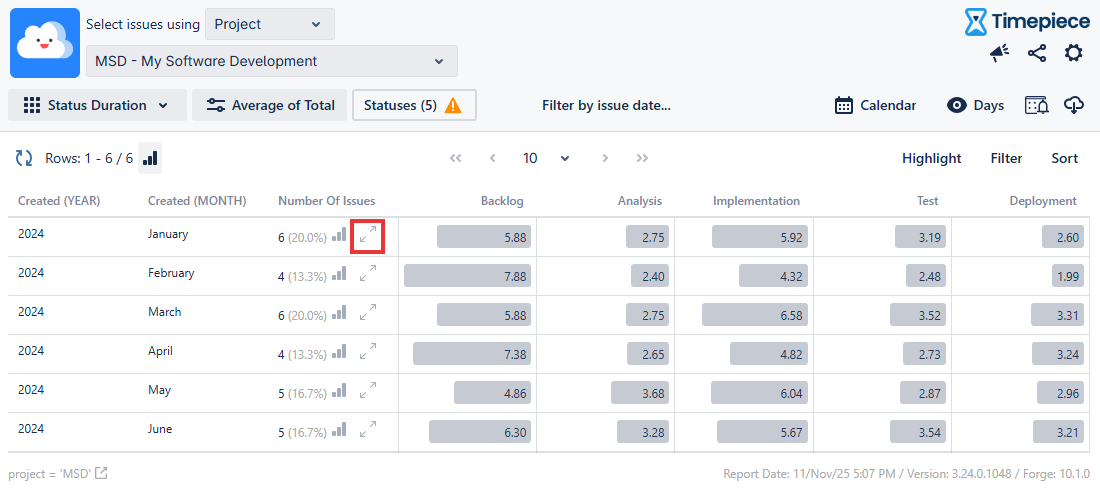
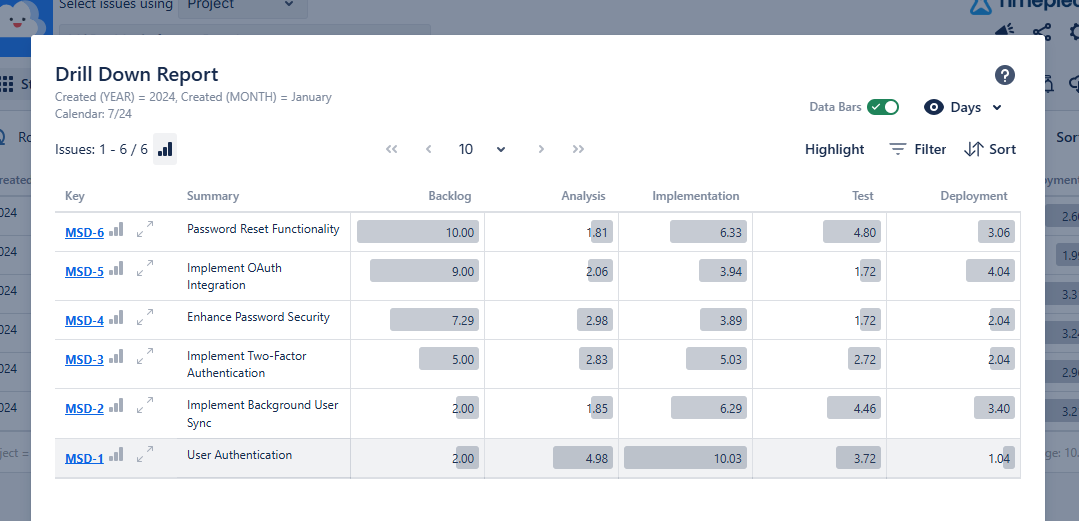
When clicked, a dialog will open that shows the list of issues that made up that specific aggregate row.
The drill-down dialog supports paging, filtering, and sorting the issues in the dialog, just like the main report.
Drill Down by Column
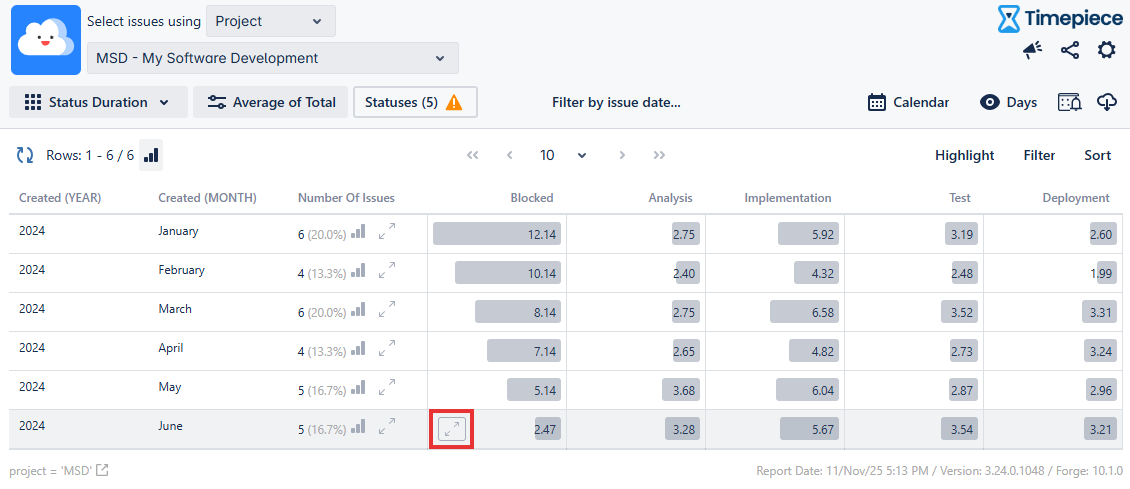
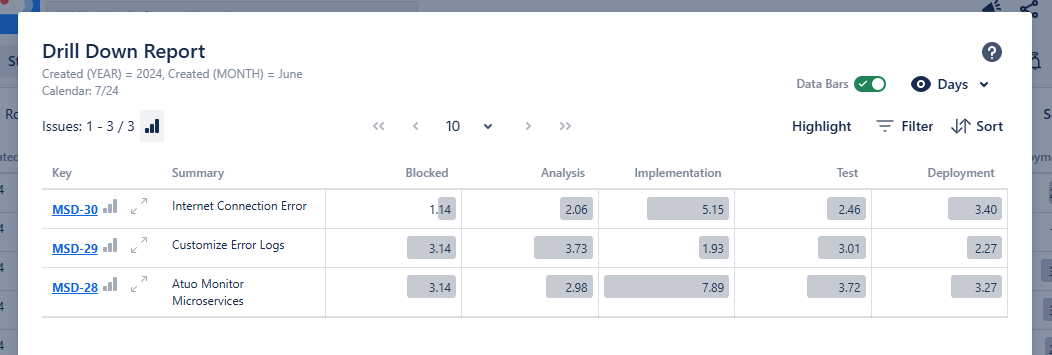
Drill down can also be performed for individual cells.
Row drill-down displays all issues that make up the entire row, while cell drill-down displays only the issues that make up the value of that specific cell.
The drill down by cell button is not visible by default; it becomes visible when you hover over the cell.